
Space Settings
The Space Settings section allows administrators to manage key system configurations, including partnerships, properties, events, communication channels, integrations, and security settings. These options help ensure smooth system operation and effective user management.
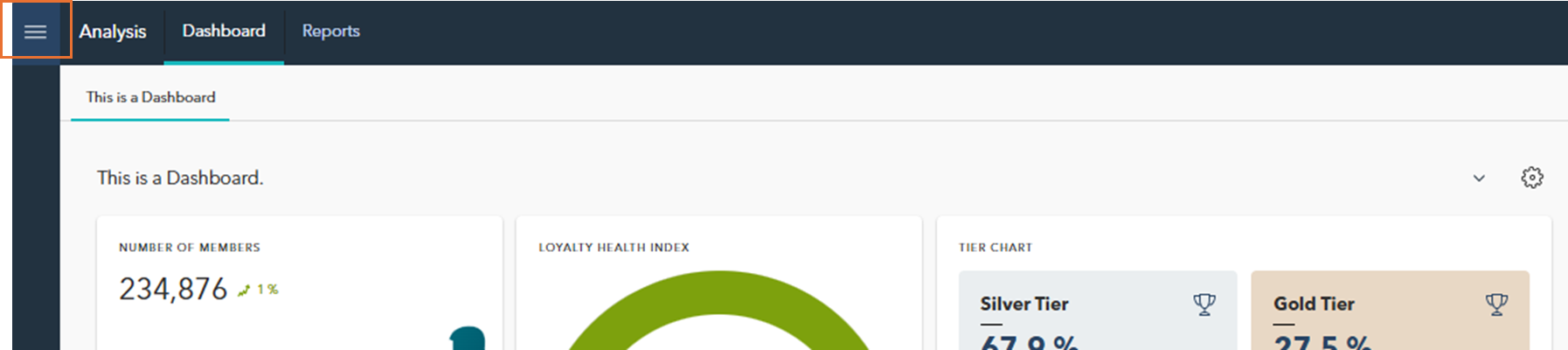
To access the Space Settings menu, click the menu icon located in the top-left corner of the screen to reveal the main navigation menu.
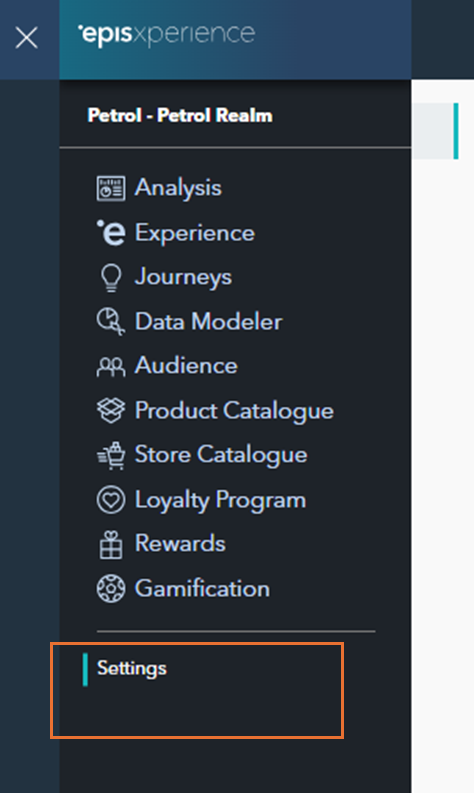
From there, scroll down and select Settings to open the configuration options.
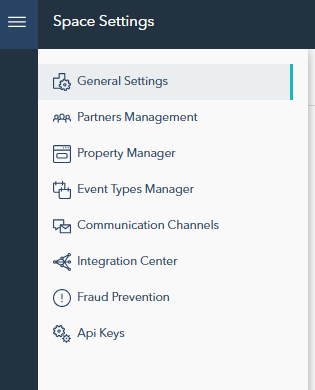
In the following sections, we will cover each space setting in detail, offering step-by-step guidance on how to configure them according to your organization’s specific needs: