
General & Loyalty Settings
The General Settings section allows administrators to configure key system-wide preferences, including language settings and criteria for identifying active customers.
Language
This setting defines the default language. Use the dropdown menu to select the preferred language for all users within the system.
Loyalty Settings – Active Customer
This field determines the criteria for defining an active customer based on transaction history.
Active Customer: A customer is considered active if they have made at least one transaction within the specified period.
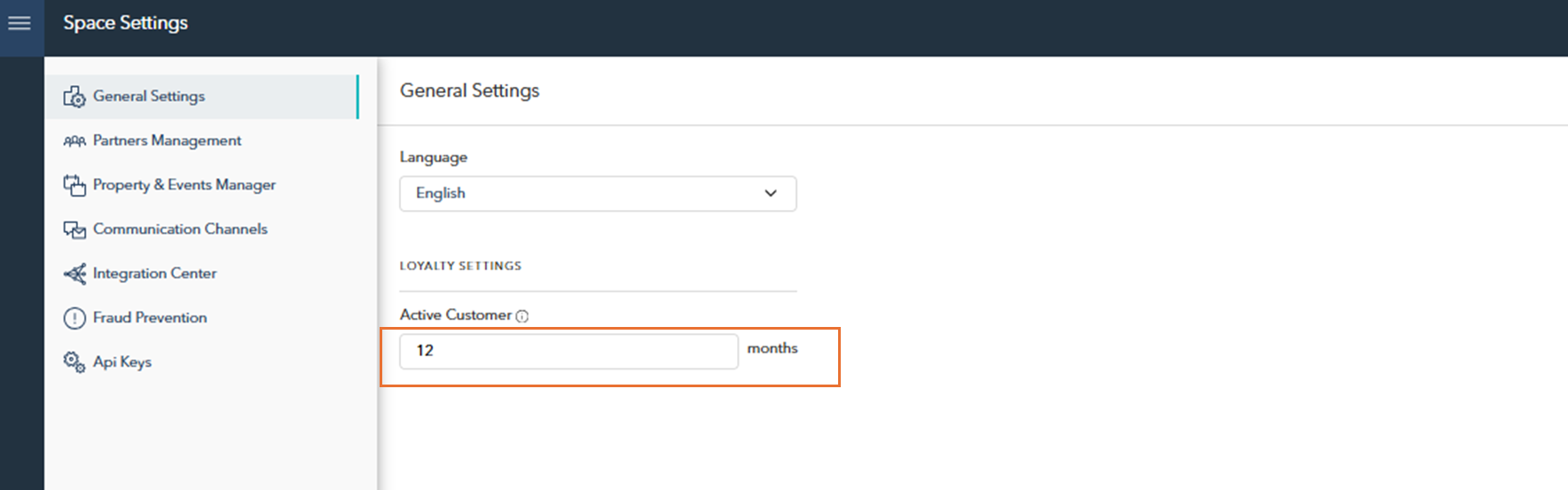

Time Period: Enter the number of months to define the period of activity. For example, if set to 12 months, a customer must complete at least one transaction within the last 12 months to be classified as active.